 LifeOS
Everything You Need.
One Powerful App.
Manage your daily life, tasks, finances, habits and productivity from one place.
About LifeOS
LifeOS is an all-in-one daily life app. Instead of juggling ten different apps for your tasks, notes, money, habits and health, LifeOS brings everything together in one calm, beautifully designed place — with your data private to your account and synced securely.
One place, everything
Your day, your money, your habits and your health — organized in a single app.
Fast and simple
No clutter, no learning curve. Open the app and get things done in seconds.
Private by design
Your data belongs to you. Sign-in protected, encrypted vault, no selling data.
For everyone
Free, works worldwide, and designed for every Android phone and screen size.
Everything in one app
Fourteen tools that work together — so your tasks, calendar, money and habits finally stay in sync.
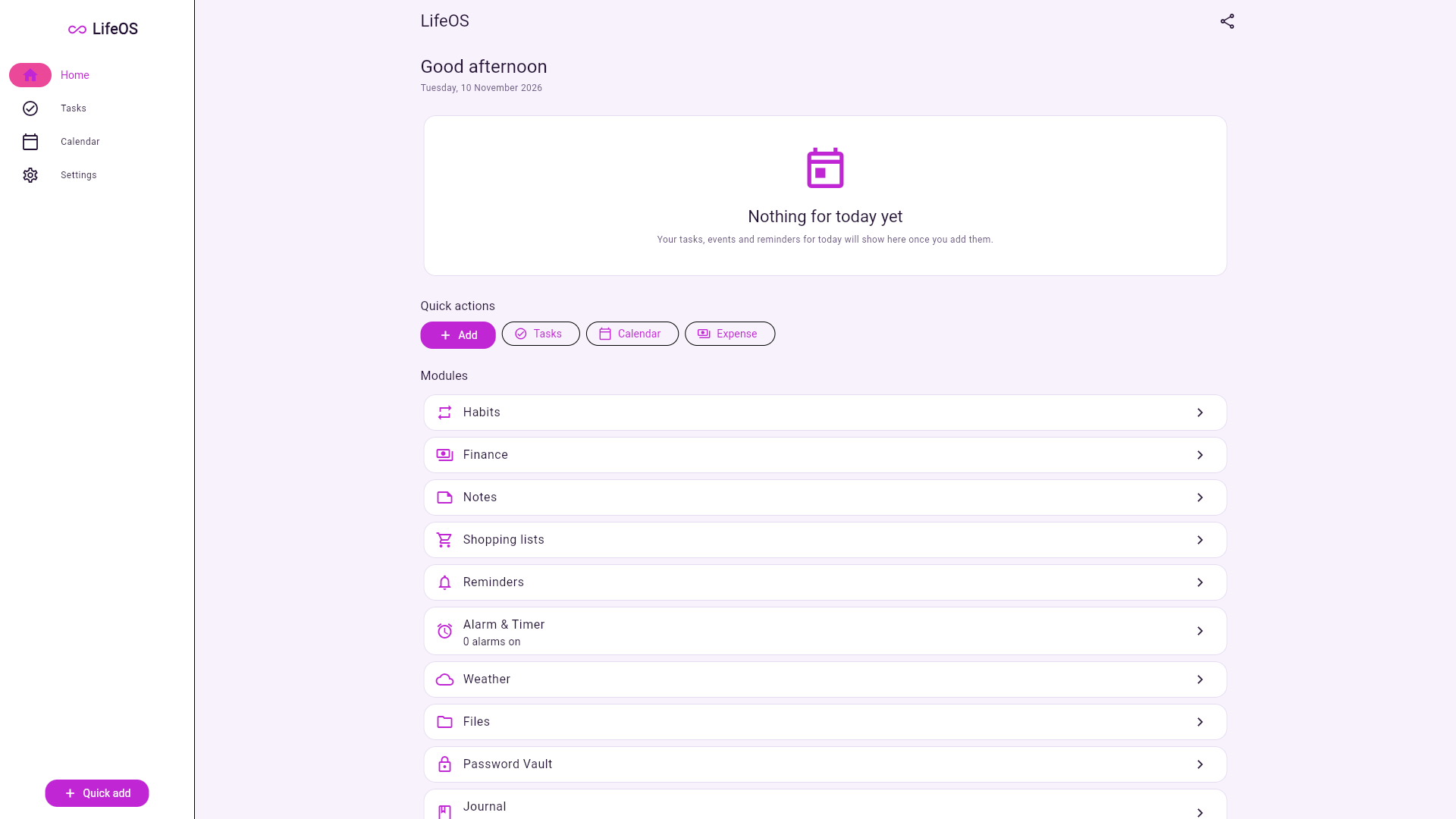
Dashboard
Your personalized daily overview — today at a glance.
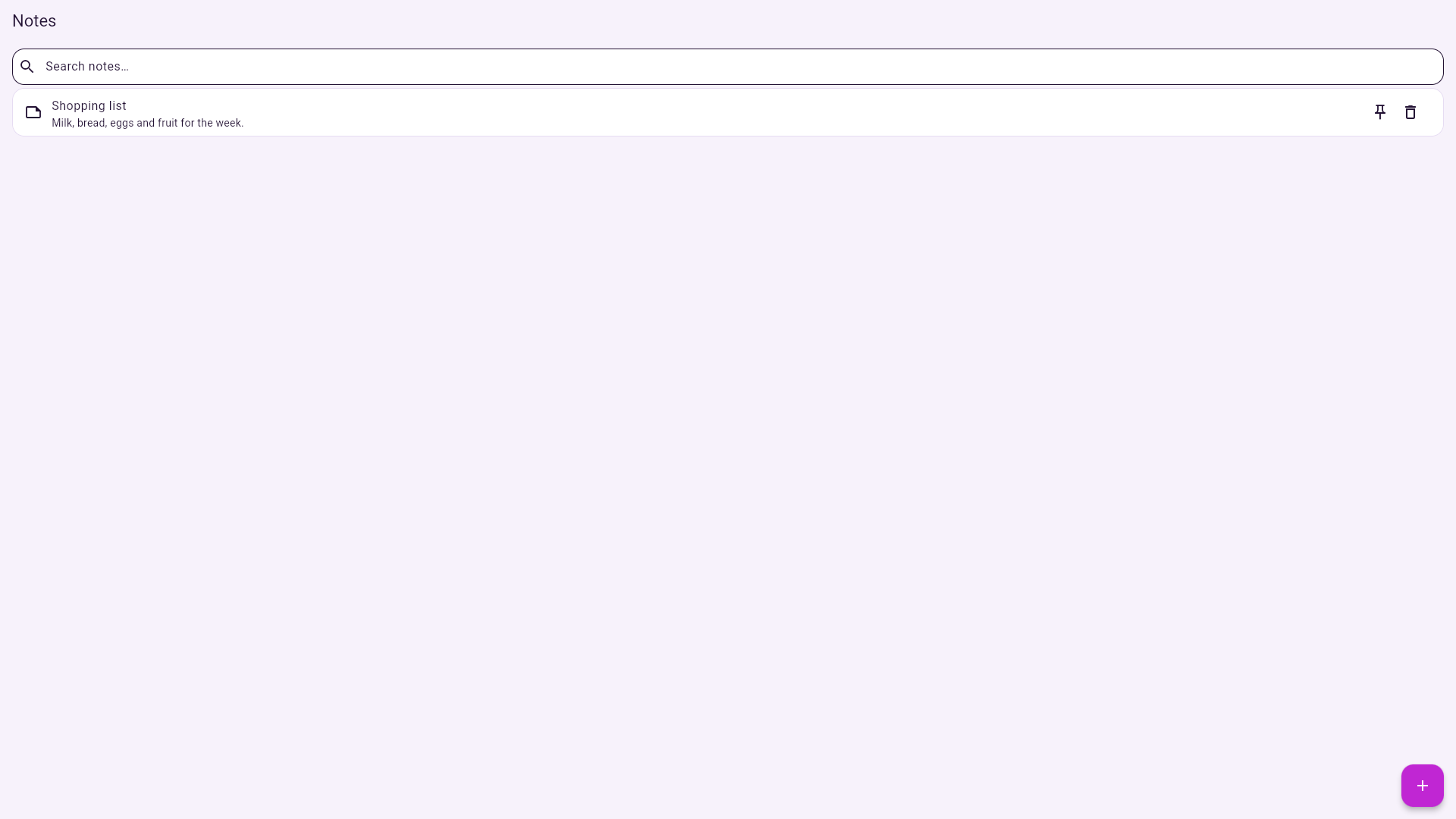
Smart Notes
Create, edit and organize notes, with search and pinning.
Tasks Manager
Daily tasks and to-do lists with priorities and due dates.
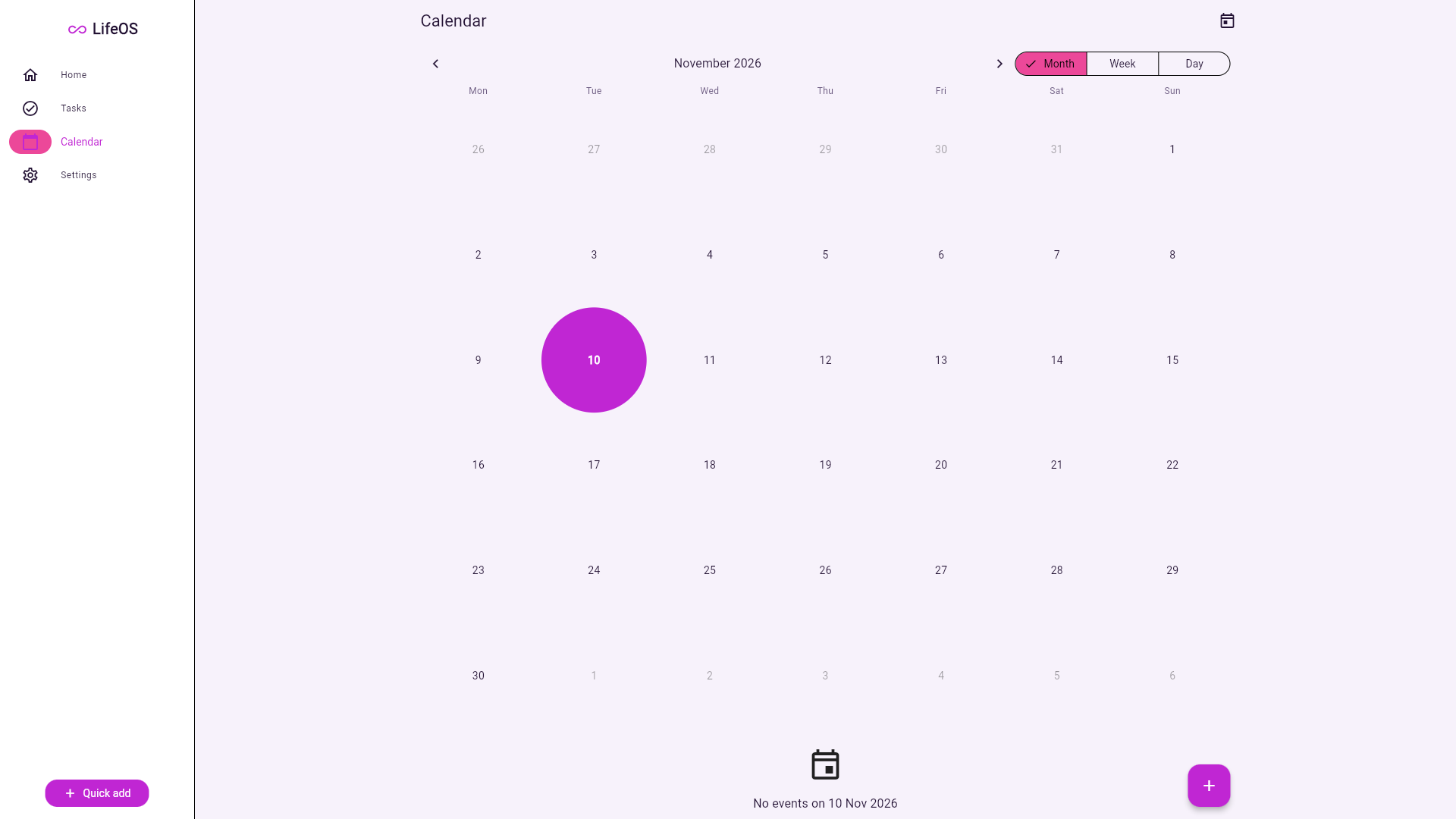
Smart Calendar
Events, schedules and reminders in one calendar.
Alarm & Timer
Alarms, stopwatch and countdown timer.
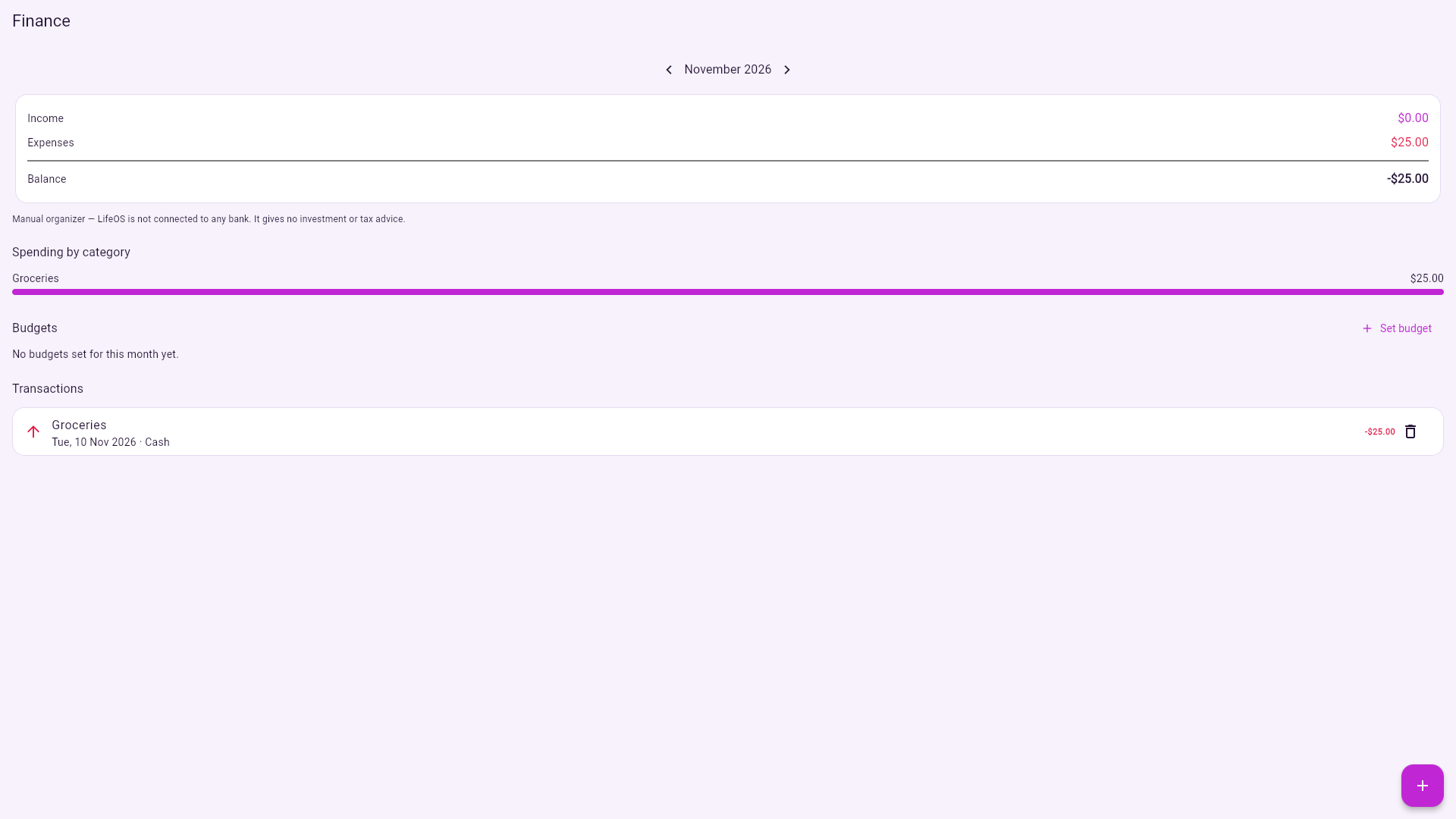
Expense Tracker
Track income and expenses and see where money goes.
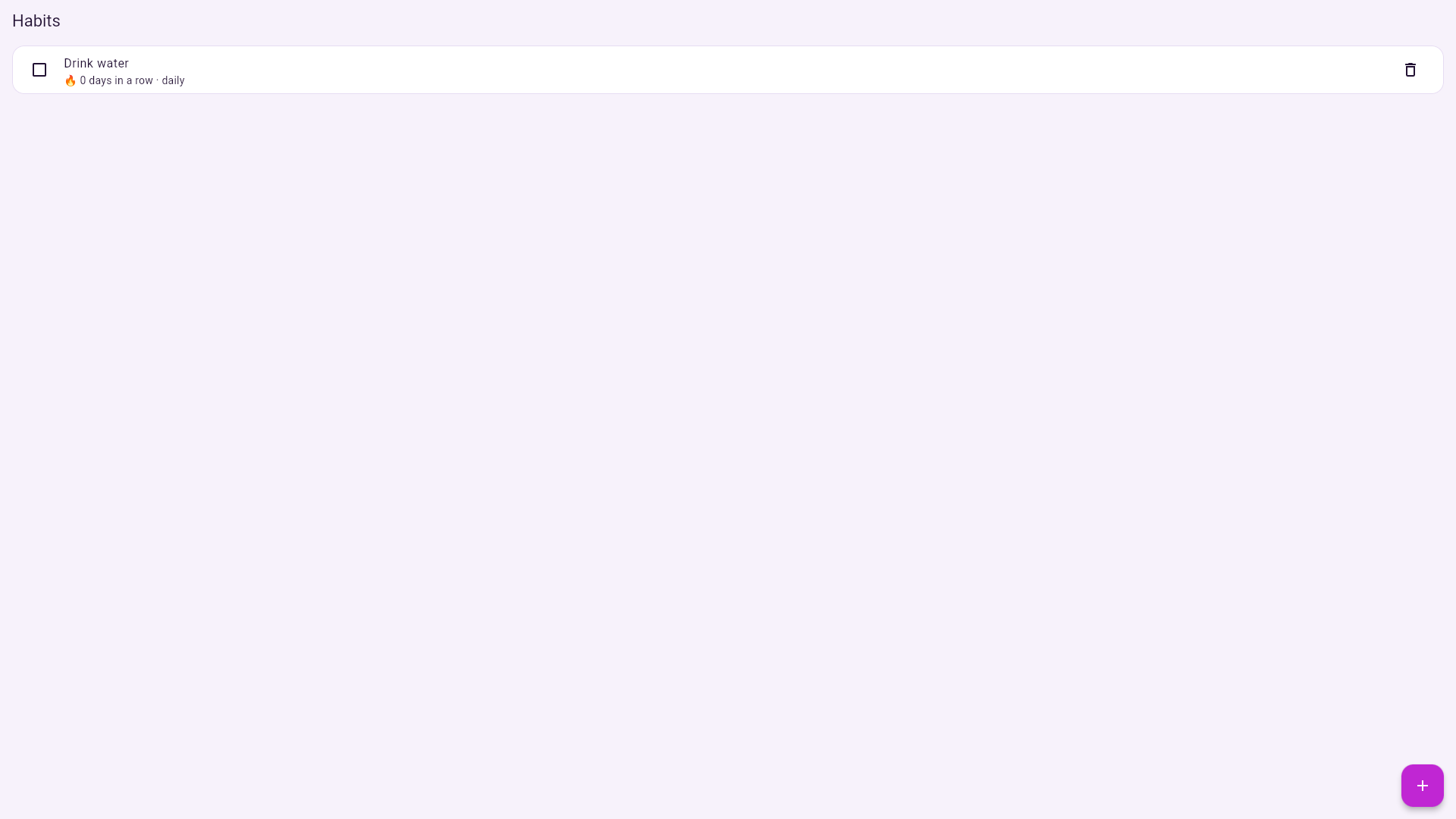
Habit Tracker
Build daily habits and watch your streaks grow.
Weather
Current weather and 7-day forecast for your cities.
File Manager
Keep your important documents organized and at hand.
Password Vault
Your private information, encrypted with a master password.
Daily Journal
A personal diary with moods and a monthly calendar view.
Health & Fitness
Workouts, weight and water — with weekly summaries.
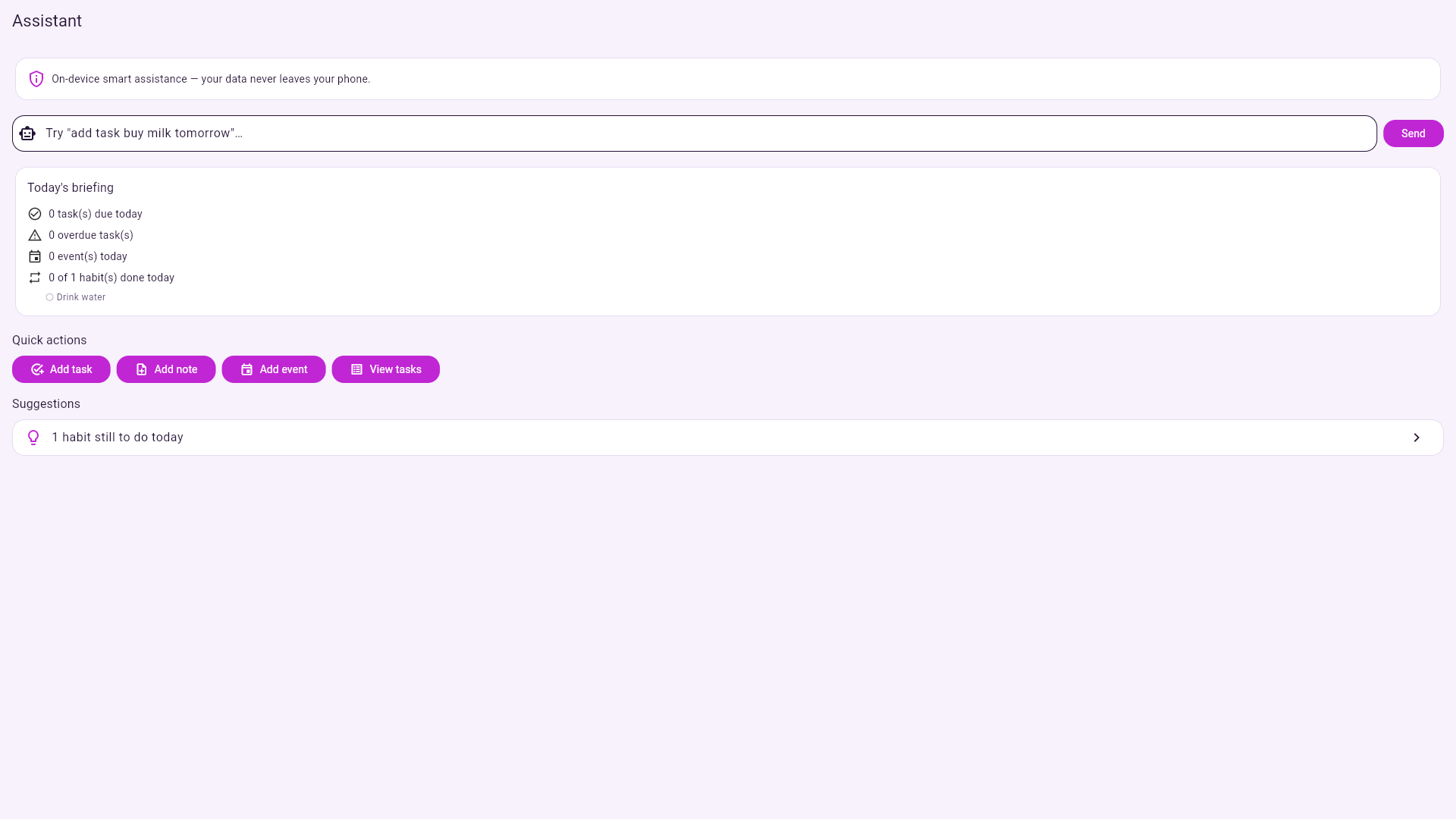
AI Assistant
On-device smart help: daily briefings, suggestions and quick actions.
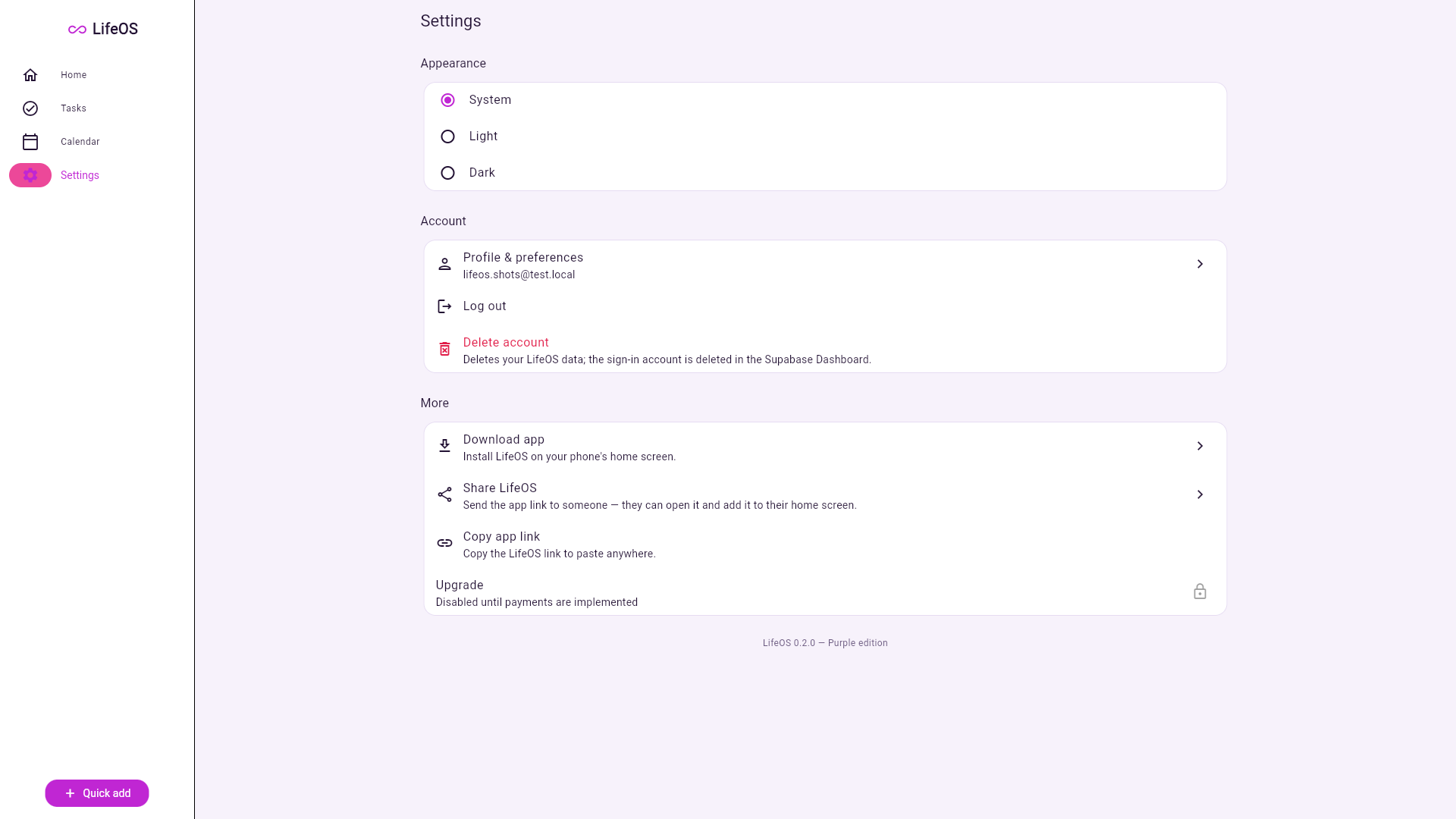
Settings
Theme, language, notifications and your account.
See LifeOS in action
Real screenshots from the actual LifeOS app.
Why choose LifeOS?
Built for real everyday life — not just for productivity fans.
All-in-one productivity
Fourteen everyday tools in one app, sharing the same data.
Simple interface
Clean, friendly design anyone can use — no manual needed.
Useful everyday tools
Alarms, weather, files, journal, health — the things you actually use daily.
Modern design
Beautiful light and dark themes, smooth animations, made for any screen.
Privacy-focused
Your data is protected by sign-in and encryption. No ads, no data selling.
Easy to start
Download, install, sign up — and your organized life begins in a minute.
Download LifeOS
Get the full LifeOS app for Android — free, no ads, no in-app purchases.
⬇ Download LifeOS APKWhat's new in 0.1.0: all 14 modules — Dashboard, Notes, Tasks, Calendar, Alarm & Timer, Expenses, Habits, Weather, Files, Password Vault, Journal, Health, AI Assistant and Settings.
Install in 3 easy steps
No Play Store needed — install LifeOS directly and safely.
Download the APK
Tap “Download LifeOS APK” above. The file downloads to your phone.
Open the file
When the download finishes, tap the downloaded file to start installing.
Allow & install
If Android asks, allow “Install unknown apps” for your browser — just this once — then tap Install. Open LifeOS and sign up.
Frequently asked questions
Everything you need to know about LifeOS.
Is LifeOS free?
Yes — LifeOS is completely free to download and use. There are no ads and no paid features.
How do I download it?
Tap the “Download for Android” button on this page. The APK file downloads to your phone — then open it to install.
Is it available for Android?
Yes. LifeOS is built for Android 8.0 and newer, and works on phones and tablets of all screen sizes.
How do I install the APK?
Download the APK, open the downloaded file, and tap Install. If Android asks you to allow “Install unknown apps” for your browser, allow it once — that is normal for apps installed outside the Play Store.
How can I get updates?
New versions are published on this page. Download the latest APK and install it over the old version — your data and account stay as they are.
Is my data secure?
Yes. Your account is protected by sign-in, your data is stored privately per account, and the Password Vault encrypts its contents with your master password. LifeOS never sells your data.